
Django is a high-level Python web framework that encourages rapid development and clean, pragmatic design. It was originally developed at Lawrence Journal-World in 2003 and released publicly in 2005. For a detailed history and technical background, see the Django entry on Wikipedia. What makes Django worth understanding deeply is not any single feature but the way its pieces compose into a coherent system for building web applications that need to handle real traffic, real data, and real operational concerns.
This page maps the major surfaces of Django as a framework. It is not a tutorial. If you are looking for step-by-step setup instructions, start with our getting started guide. This is the reference view: what each part does, why it exists, and where teams typically spend their engineering attention once the novelty wears off and production realities settle in.
Request lifecycle
Every Django application follows the same core request path. An HTTP request arrives, passes through middleware layers, gets matched to a URL pattern, hits a view function or class, pulls data through models if needed, renders a response through templates or serializers, and returns through middleware on the way out. Understanding this path is not optional. Every debugging session, every performance investigation, and every security review starts with knowing exactly where in this cycle something happened.
Middleware is the first and last thing a request touches. Django ships sensible defaults for session handling, CSRF protection, authentication, and security headers. The order matters. I have seen production bugs caused by middleware ordering that passed every test suite because tests do not always exercise the full middleware stack in the same sequence.
URL routing
Django's URL routing is explicit. You declare patterns in Python, map them to views, and name them so you can reverse-resolve URLs throughout your templates and code without hardcoding paths. This sounds basic until you work with frameworks that do routing through filesystem conventions or decorator magic. Django's approach is verbose, but it means your routing is always auditable and always in one place. For large projects with dozens of apps, this matters more than cleverness.
The path converters introduced in Django 2.0 cleaned up the regex mess that plagued earlier versions. Integer slugs, UUID captures, and custom converters handle most real routing needs without regular expressions. When you do need regex, re_path is still available, but most projects should not need it for more than a handful of edge cases.
Views and class-based views
Django supports both function-based views and class-based views. Function views are straightforward: a callable that takes a request and returns a response. Class-based views provide inheritance and mixin composition for common patterns like list pages, detail pages, form handling, and CRUD operations. The community has argued about which is better for over a decade. The practical answer is that function views are clearer for simple endpoints and class-based views save real time on pages that follow standard patterns, especially when you need consistent permission checking and pagination across many views.
Models and the ORM
Django's ORM maps Python classes to database tables and provides a query interface that covers the vast majority of what applications need without writing raw SQL. Models define fields, constraints, indexes, and relationships. Querysets are lazy, chainable, and composable. The ORM handles joins, aggregation, annotation, subqueries, and conditional expressions. It is genuinely powerful, and genuinely dangerous if you do not understand what SQL it generates.
The performance surface of the ORM is covered in detail in our ORM patterns hub and in the query optimization guide. The short version: always check your queries with django-debug-toolbar or EXPLAIN before you assume performance is fine. N+1 queries are the single most common production performance problem in Django applications, and the ORM makes them easy to write by accident.
Admin
The Django admin is one of the framework's most distinctive features. It generates a full CRUD interface from your models with minimal configuration. For many internal tools, dashboards, and content management workflows, the admin is good enough to ship as the primary interface. It supports custom actions, inline editing, search, filtering, fieldset grouping, and permission-based access control out of the box.
Where teams get into trouble is treating admin as a customer-facing product. It was designed for trusted internal users. Extending it for public-facing workflows is possible but painful, and usually a sign that you should be building a custom view layer instead. Our admin hub and the admin customization guide cover the patterns that work well.
Templates
Django's template engine is intentionally simple. It enforces a separation between presentation logic and business logic that makes templates easier to maintain and harder to abuse. Template inheritance through block and extends is one of the best decisions in the framework: it keeps layouts DRY without the complexity of component hierarchies. Filters, tags, and includes cover most rendering needs. For projects that need richer templating, Jinja2 integration is supported natively.
The template layer is also where accessibility, semantic HTML, and frontend performance start. Generating clean, well-structured HTML from templates is your first line of defense against frontend debt.
Settings and configuration
Django's settings module is a plain Python file, which gives you enormous flexibility but also enough rope to create a mess. The key production concern is settings separation: keeping development defaults out of production, managing secrets through environment variables, and ensuring that DEBUG = False is enforced in every deployed environment. Our settings guide covers the exact patterns that work in practice.
Common approaches include a base settings module with environment-specific overrides, or a single settings file with os.environ lookups. Both work. What matters is that your deployment cannot accidentally run with development settings, and that secrets never appear in version control.
Migrations
Django's migration system tracks schema changes as Python files that can be applied, rolled back, and version-controlled alongside your code. It handles most schema operations automatically: adding fields, creating tables, altering constraints, and building indexes. The migration system is one of the most mature in any web framework, and it handles complex operations like data migrations, RunSQL, and custom operations for cases where the auto-detector cannot infer the right plan.
Migration discipline matters in production. Squashing old migrations, avoiding circular dependencies, and planning zero-downtime migrations for large tables are skills that grow more important as projects mature. Teams that treat migrations as throwaway code always regret it when they need to debug a failed deployment at 2 AM.
Security
Django ships with strong security defaults: CSRF protection, XSS escaping in templates, SQL injection prevention through the ORM, clickjacking protection through middleware, and session security through signed cookies. These defaults matter because they protect applications even when individual developers are not thinking about security on every line of code. Our security hub and the security checklist cover what to verify before any production deployment.
The places where Django's security defaults are not enough are usually at the edges: file upload validation, permission checks on API endpoints, rate limiting on authentication views, and content security policy headers. These are covered in detail across the security guides.
Deployment
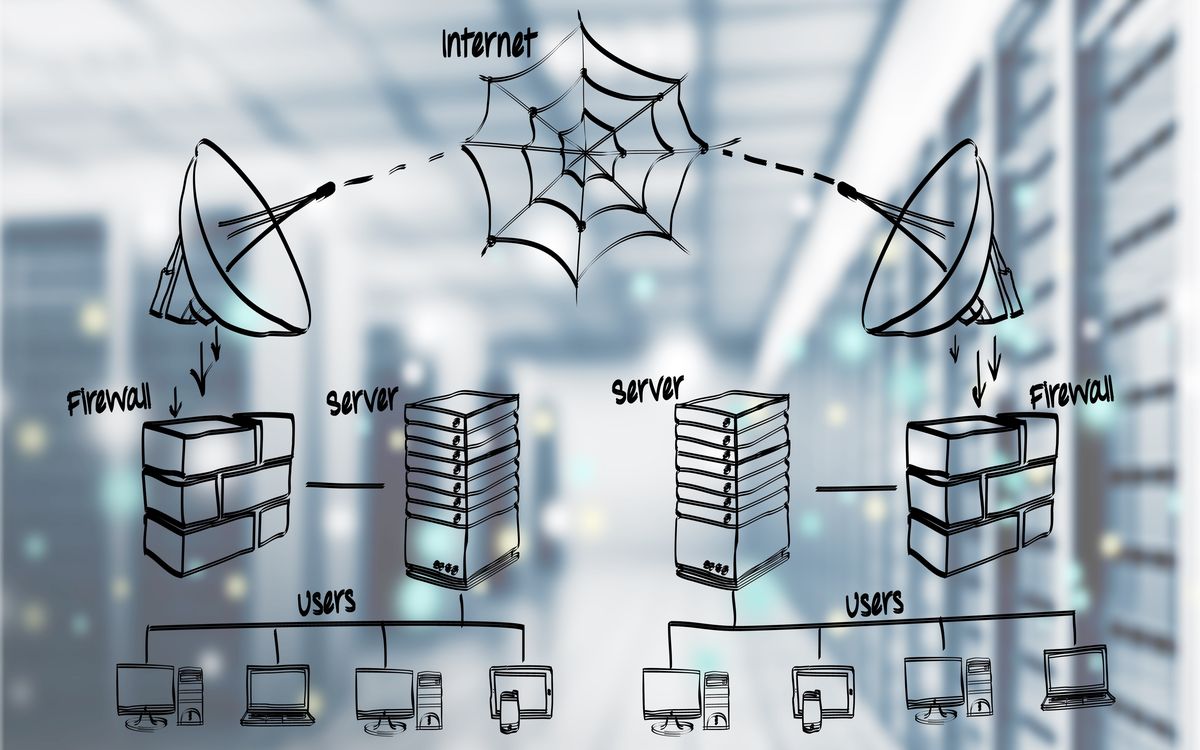
Django itself does not serve HTTP in production. It needs a WSGI or ASGI server, a reverse proxy, a static file strategy, a database, and a process manager. Getting all of these right is where deployment engineering starts. Our deployment hub covers the operational baseline: Gunicorn or Uvicorn configuration, Nginx or Caddy as a reverse proxy, static file collection and CDN integration, database connection management, and health check endpoints.
The gap between a working local development server and a production deployment is larger than most frameworks acknowledge. Django provides collectstatic, check --deploy, and the deployment checklist in its documentation, but the practical work of settings separation, process management, log aggregation, and monitoring integration is on you. That is where the guides in this reference earn their keep.
Common framework misconceptions
- Assuming the development server is suitable for any kind of production traffic.
- Treating the ORM as a black box instead of checking the generated SQL.
- Using the admin for customer-facing interfaces instead of building proper views.
- Ignoring middleware ordering, which can cause subtle security and session bugs.
- Skipping the deployment checklist and shipping with DEBUG=True in production.
Where to go from here
This page gives you the map. The depth lives in the topic hubs and individual guides. If you are setting up a new project, start with the getting started guide and the project structure guide. If you are tuning an existing application, the performance hub and the caching patterns guide are where to look. If you are preparing for a production launch, the deployment hub and the settings guide cover the operational baseline.
Django rewards engineers who understand its conventions and work with them, not against them. The framework has opinions. The engineers who build well with it are the ones who learn which opinions to follow, which to customize, and which to replace with something better suited to their specific problem.